
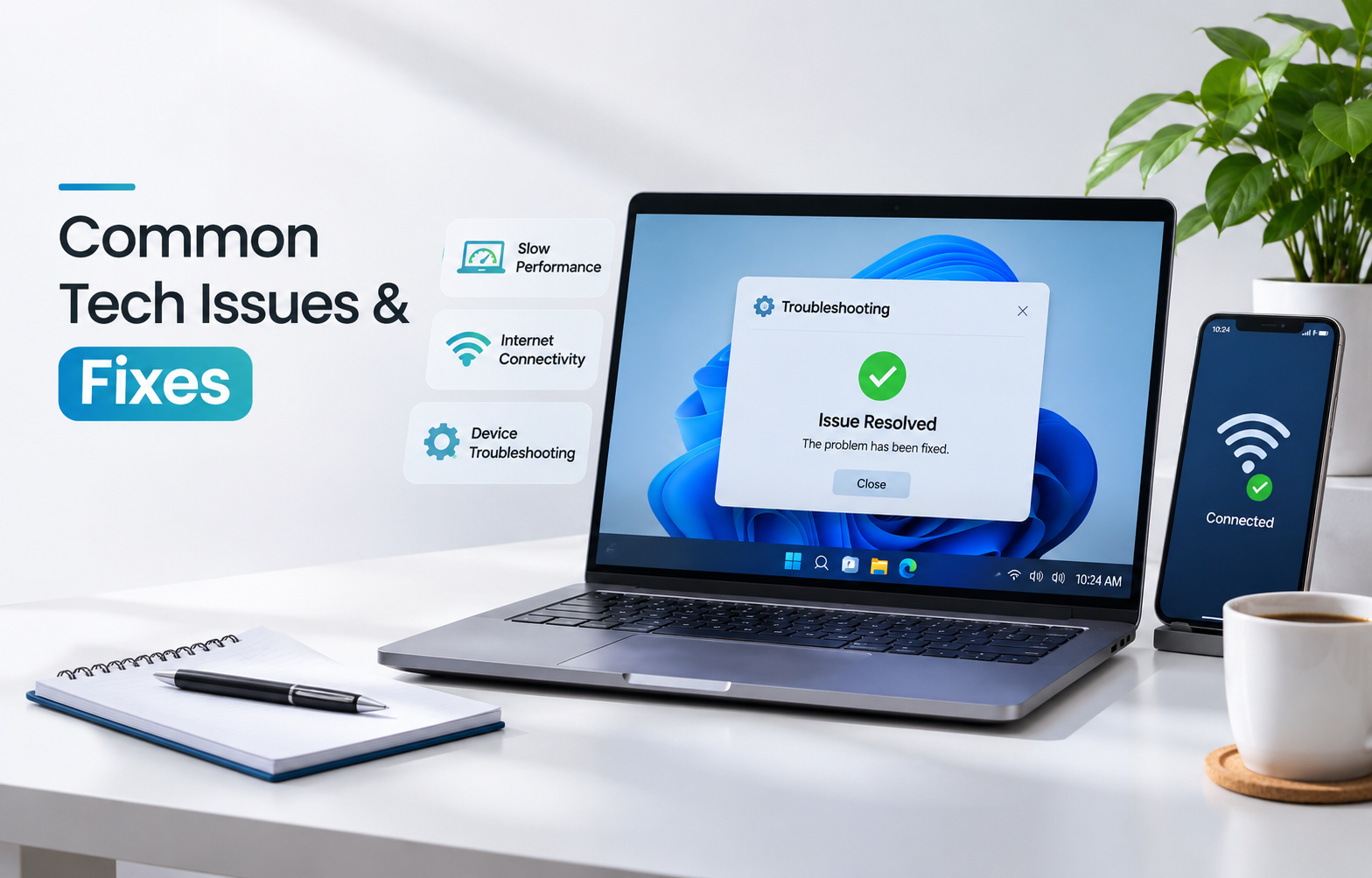
Last month, my cousin called me in a panic. Her laptop froze an hour before her assignment deadline, and she was ready to order a new one right then. I walked her through a restart and two quick cleanup steps. Ten minutes later, she was typing again. It is like that with computer troubles – they sound so frightening, but in fact most of them can be solved easily. Below are some tech tips that can help you with solving them yourself.
Common Computer Problems and Their Solutions
Computer freezing, constant restarts and refusal of the programs to work are among the most frequent issues you may face. Try basic steps – restarting your computer, installing pending updates and checking your recently installed programs. Most likely, you have a new program to blame for all the problems.
This is a fast guide for Windows troubleshooting that will be helpful surprisingly often. On Windows 11, go to Settings > System > Troubleshoot > Other troubleshooters. On Windows 10, it’s Settings > Update & Security > Troubleshoot.
Also read: The Future of AI: Innovations You Can’t Ignore in 2026
How to Fix a Slow Computer
If you’re wondering how to fix a slow computer, try this order:
- Close extra browser tabs and background apps
- Disable startup apps in Task Manager
- Uninstall programs you never use
- Keep at least 15% of your storage free
Still crawling? Run a full scan using Windows Security or Malwarebytes Free. Some of the most efficient free PC troubleshooters include Task Manager, Resource Monitor, and these two applications, which will allow you to see what is consuming your memory.
How to Solve Wi-Fi and Internet Connection Issues
The first thing you need to try if there is a problem with your Wi-Fi is your router. Turn it off for 30 seconds and then turn it back on again.
One device not connecting?
Forget the network on that device and reconnect. If other devices work fine, the problem is the device, not your internet.
Everything is down?
When you’re trying to fix internet connection problems for good, call your provider and ask about outages in your area. Sometimes it really isn’t you.
Common Smartphone Problems and How to Fix Them
Fast-draining battery? Look into your battery settings and see which applications are the most draining. Storage full? Delete old downloads and clear app cache. A laggy phone usually needs a restart and the latest update. Back up your photos first. It takes five minutes and can save you a lot of heartache.
Laptop Overheating: Causes and Solutions
Dust is usually the villain. To fix laptop overheating, keep the vents clear and never use your laptop on a bed or pillow, which blocks airflow. A cheap cooling pad helps, and so does closing heavy programs you aren’t using. If the fan sounds like a jet engine even during light tasks, the inside may need cleaning. That’s a good time to look for a computer repair service near me instead of risking a DIY repair.
Best Tech Troubleshooting Tips for Beginners
These tech troubleshooting tips have worked for me for years:
- Restart first. It fixes more than you’d think.
- Try changing only one thing at once to know what helped.
- Search the exact error message.
- Keep your system and apps updated.
- Back up important files regularly.
Don’t be afraid to poke around. Most problems are less scary than they look.
Final Thoughts
Technical issues affect everyone irrespective of whether one deals with technological products all day long. What matters is staying calm and working through it step by step. With these tech tips, you can fix most common tech issues without stress, and you’ll save money too. At Gizmotechie, we believe technology should feel simple, not scary.
Want more easy, practical guides? Visit Gizmotechie today for the latest tech troubleshooting tips, tutorials, and how-tos.
Frequently Asked Questions
Why does my computer become slower with time?
It is due to the following reasons: too many startup programs, storage overload, or software out of date.
Is it dangerous to solve tech problems on my own?
No, but in case of water damage, a swollen battery, or data loss, consult with professionals. You may use the guides by Gizmotechie in order to understand what type of issue you have.
When should I start searching for computer repair near me?
The time to search for a computer repair near me when the device doesn’t boot and makes grinding sounds.

